Look into numbers
In the clipWhat sold best this month?
A card of figures from your own sales, with a chart and the rows behind it. Change its dates or branch on the card.
- Sales
- Item sales
- Losses
- Day closes
- Busy hours
- Payment methods
QR ordering and a cashier till, with an assistant that answers from your shop’s own numbers. Ask in Myanmar, Vietnamese or English.
Type what you want, the way you would say it. It answers with one of the app’s own cards.
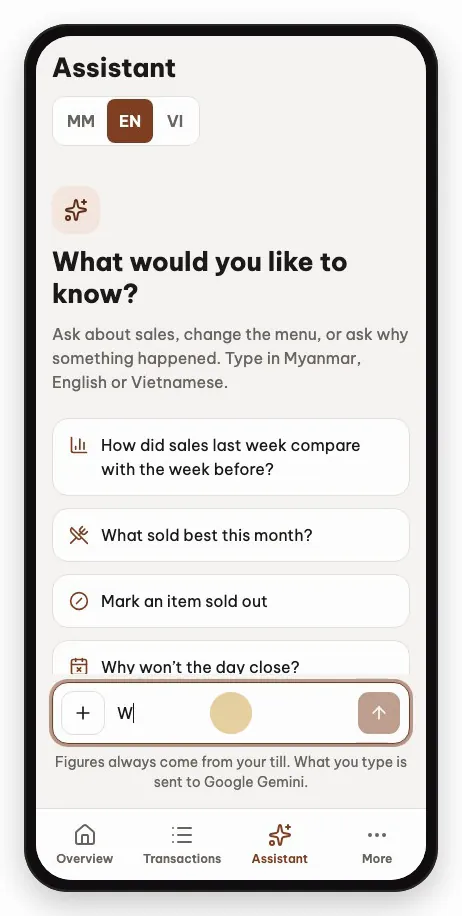
What sold best this month?
A card of figures from your own sales, with a chart and the rows behind it. Change its dates or branch on the card.
Mark an item sold out
Its form, filled in from what you typed. You check each row, then Apply.
Why won’t the day close?
The reason, from the shop’s data now: here, the tables still open. “How do I…” questions are answered from the app’s guide.
Its figures, no: the app works out every one from your till. The AI only picks the card, and the card shows the dates it used, so you can see if it heard you wrong.
Not without you. You check each row before and after, and nothing changes until you tap Apply. Most changes can be undone for a minute.
No. Payments, reversals, voids and End of day stay on the till.
No. Only Owners and Managers, and a Manager sees only their own branch.
What you type, and the menu texts or photos you ask it to translate or read. Never your sales figures.
Tap + and every card works as before, and so do the changes you fill in yourself. Only typing, translations and menu photos stop.

Order from their own phone. No app to install.

A live table grid, a chime for new orders, kitchen slips, split payments, takeaway.

Today’s sales, live tables, day closes and staff, on a laptop or a phone.
Recorded in the app, with a demo shop’s data.